Designed for iPadOS
Reflow is a native iPad app — not a desktop port. The interface is built for touch, with gestures for navigation, selection, and editing. Fast, responsive, and feels right on iPad.
A native iPadOS app for writing guitar and bass tabs. Touch-optimized input, full playback, chord diagrams, and export — designed for iPad from the ground up.



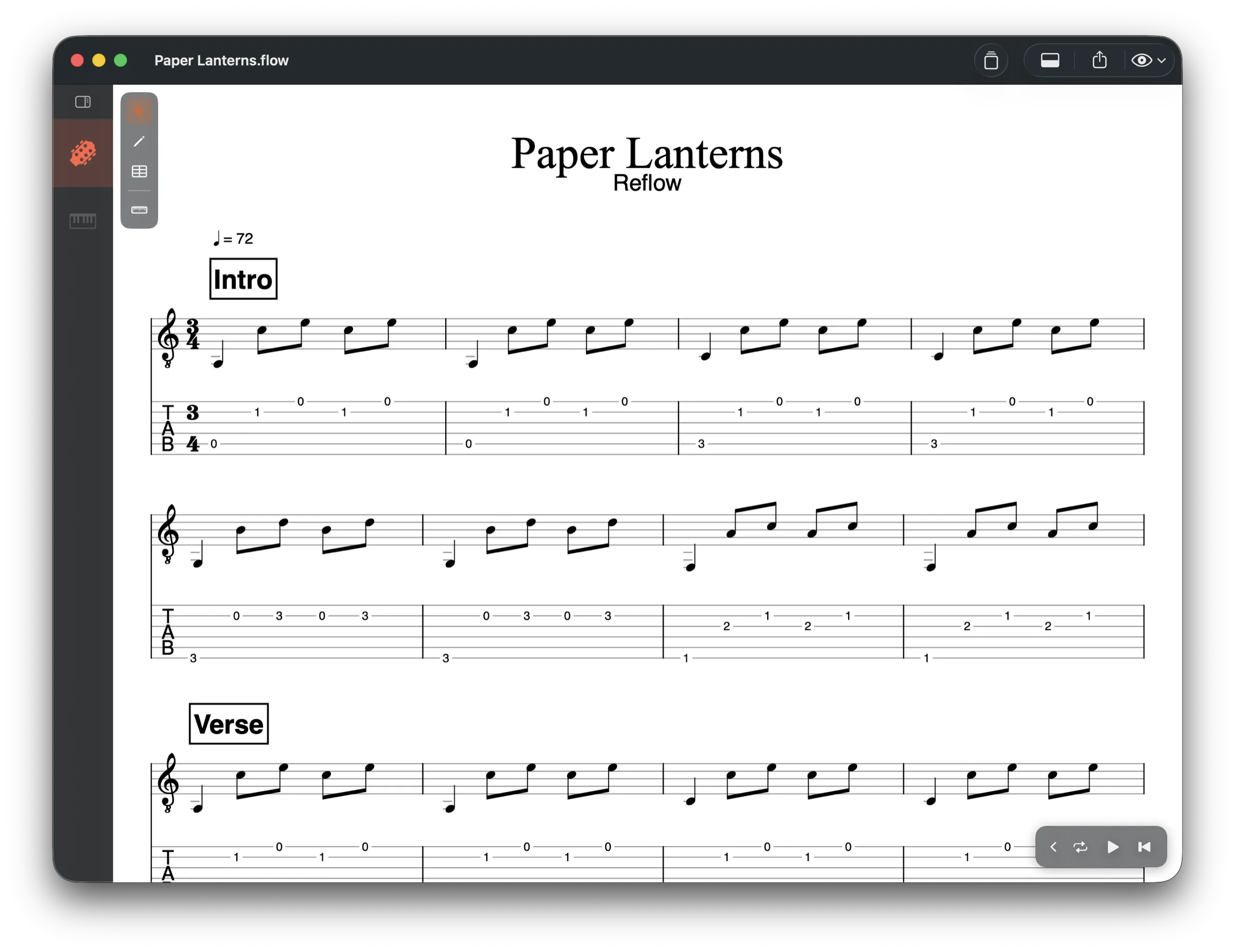
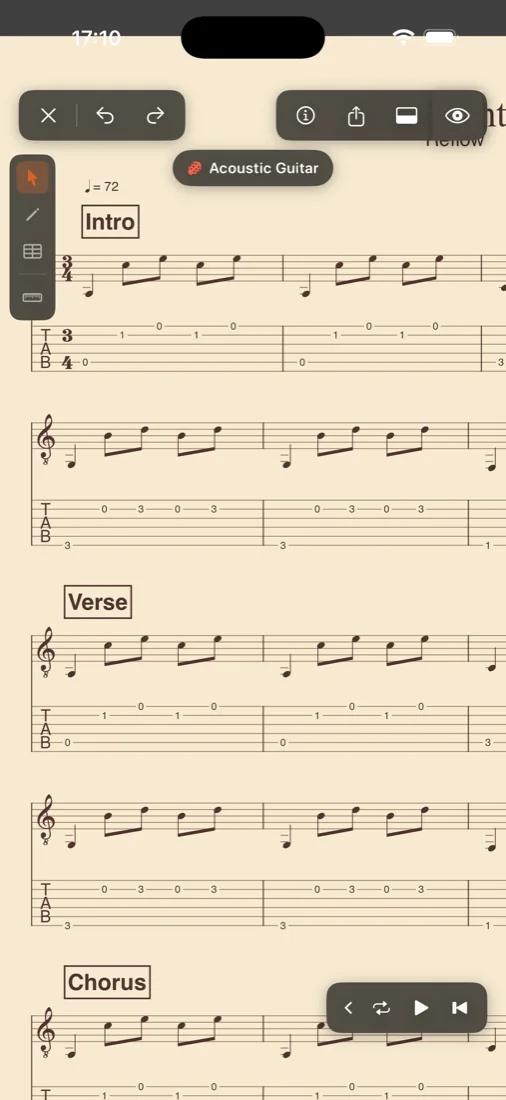
Reflow is a native iPad app — not a desktop port. The interface is built for touch, with gestures for navigation, selection, and editing. Fast, responsive, and feels right on iPad.
Tap on the staff to place notes, or connect a keyboard for fast fret entry and shortcuts. Works with Smart Keyboard, Magic Keyboard, and external Bluetooth keyboards.
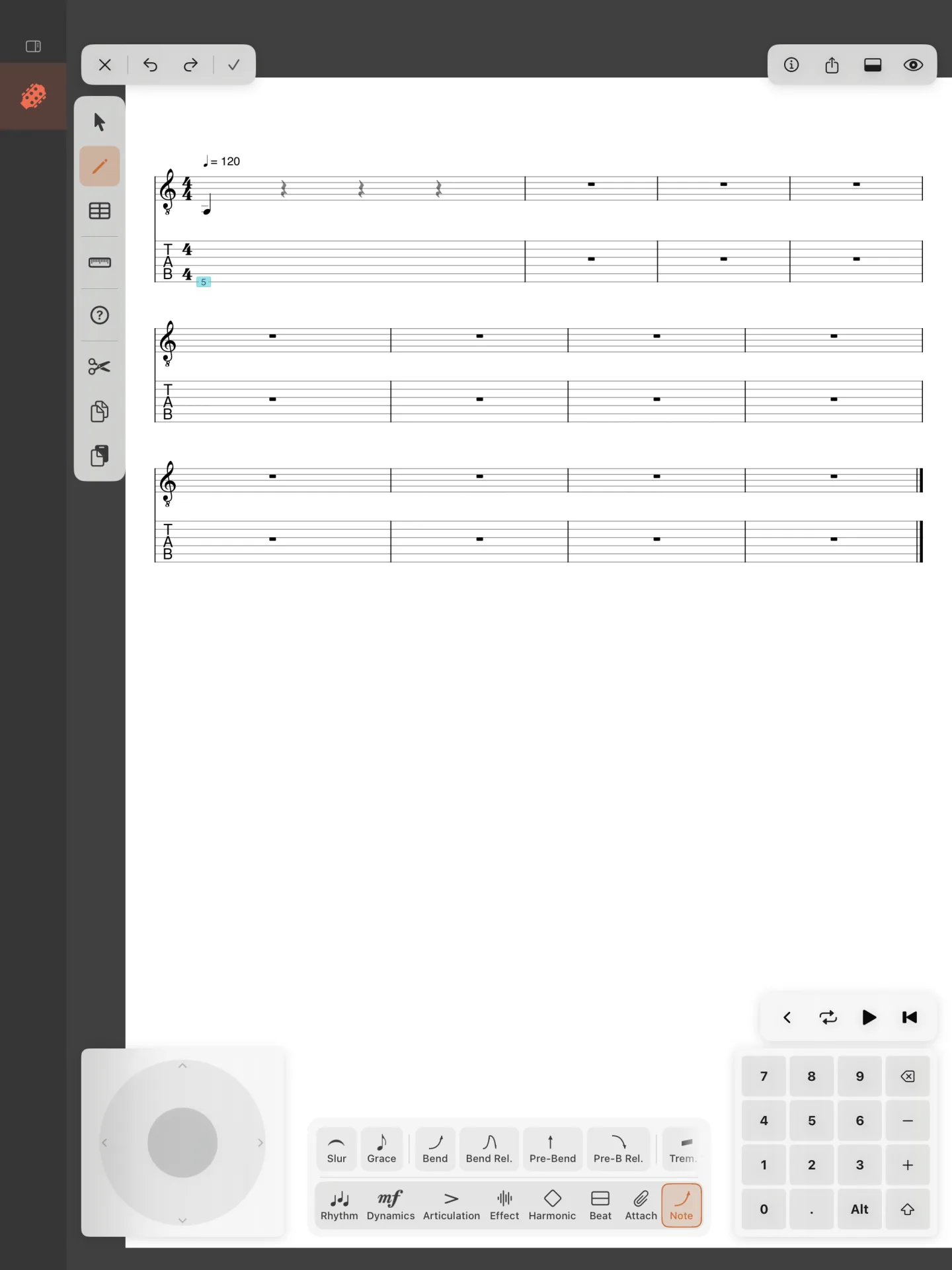
Guitar and bass tablature, drum notation, chord diagrams, lyrics, harmonics, virtual keyboard, fretboard, and drumpad. Multi-track scores with a full audio engine. No features left behind on the desktop.

Change notes, add effects, tweak your arrangement — all during playback. Hear every change instantly on your iPad. No stop-edit-play loop. No other tab editor does this.
Export to Guitar Pro 5, MusicXML, MIDI, PDF, and WAV. Import Guitar Pro 3–8 files. Share files with your band, print sheet music, or open in a DAW — right from your iPad.
Free trial is the full editor with a 2-track limit and exports capped at 10 measures. Purchase unlocks unlimited tracks and full exports.