

Practice at your pace

Reflow is a tab editor built for practice. Loop any passage, slow it down, ramp the tempo automatically, and never stop the music to turn a page.

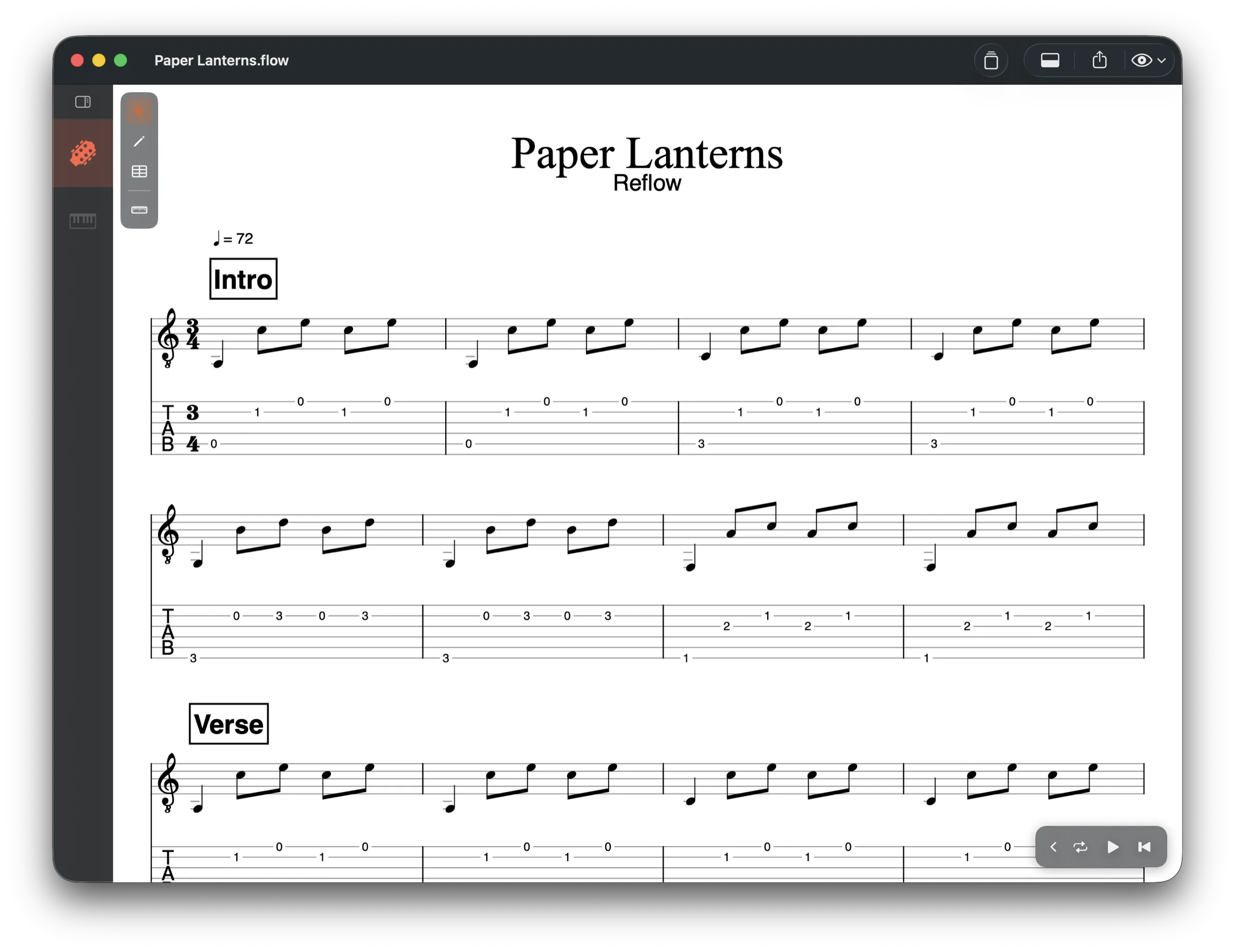
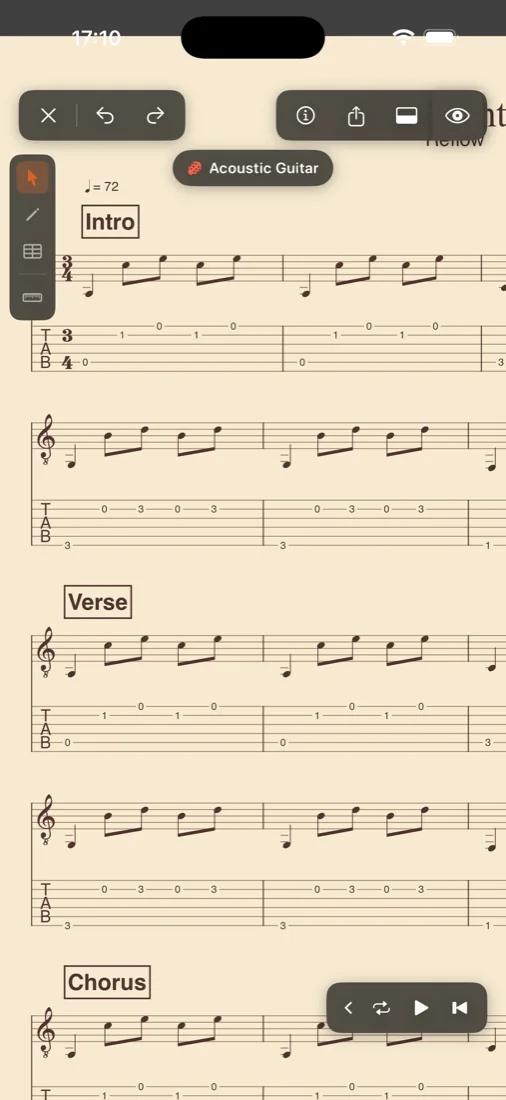
Reflow on iPad — Midnight Blue theme Reflow on Mac — Classic theme Reflow on iPhone — Sepia theme
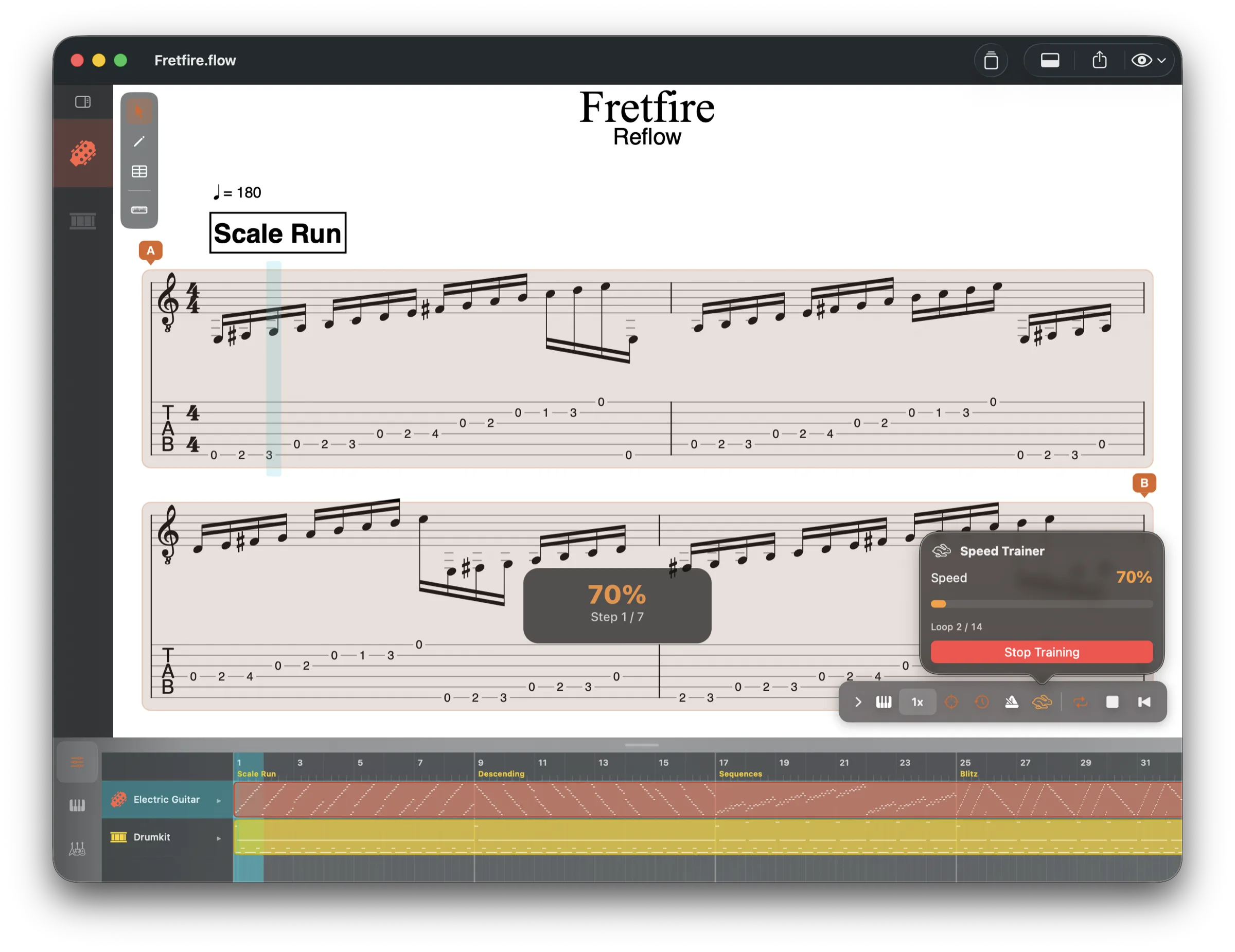
Speed Trainer

Loop and ramp

Select the passage you can't quite play, pick a starting tempo (say, 70%), set how many loops per tempo step, and hit play. Speed Trainer ramps the tempo automatically until you hit 100%. Between loops, an optional count-in keeps you oriented.
Tempo Control

0.25× to 2× without pitch drift

Change tempo freely — slow something down to learn it, speed it up to stress-test. Reflow uses a built-in synthesizer, so notes stay perfectly in tune at any speed. No audio artifacts, no pitch warble.

Loop Sections

Loop any range

Highlight a few measures and loop them. Useful for tricky transitions, solos, or that one bar you keep botching. Loops honor all your current playback settings — tempo, metronome, AU plugins on Mac.

Metronome

Metronome with precount

Built-in metronome with adjustable volume, subdivisions, and precount. Run it with playback, with Speed Trainer, or on its own. A proper practice companion built into the tab editor.

Guitar Pro Files

Practice with the tabs you already have

Open any Guitar Pro 3-8 file (.gp, .gp5, .gpx), pick a tough passage, and put it through Speed Trainer. Nothing to convert, no re-keying tabs into a separate practice app.

Frequently asked questions

Can Reflow slow down guitar tabs for practice?
Yes. Speed Trainer loops any section and ramps tempo automatically — start at 60% speed, land at 100%, with as many reps per tempo as you want. Built-in metronome and precount. Tempo control from 0.25× to 2×.
Does it work with Guitar Pro files?
Yes. Reflow imports Guitar Pro 3 through 8 files. Open any tab you've downloaded, loop a tricky passage, slow it down, and ramp up. All the tab techniques play back with realistic instruments.
Can I loop a specific section?
Yes. Select any range of measures, enable loop, and Reflow plays only that section on repeat. Combine with Speed Trainer to ramp tempo across the loop.
Does the tempo change affect pitch?
No. Reflow uses a built-in SoundFont synthesizer that plays each note at the correct pitch regardless of tempo. Unlike YouTube-style time-stretching, there's no pitch distortion or audio artifacts.
Is there a metronome?
Yes. Built-in metronome with adjustable volume, subdivisions, and precount. Use it alongside playback or on its own for silent practice.
Can I practice on iPhone or iPad?
Yes. All practice features work on iPhone, iPad, and Mac. One-time purchase per platform — $14.99 iOS, $29.99 Mac.

Start practicing smarter

Free trial is the full editor with a 2-track limit and exports capped at 10 measures. Purchase unlocks everything.