Loops and the speed trainer
Go round a passage as long as you like, and let the speed trainer bring it up to tempo a little at a time.
Available on iPad, iPhone and Mac.


Looping a passage
- Select the bars you want to practise, or put the cursor on one bar.
- TapClick Loop (the two arrows going round) in the playback bar, or press ⌘L. The bars are shaded on the score, an A marker at their start and a B at their end, and the Loop button is in the accent colour.
- Press Play. Reflow plays from A to B and starts again at A, until you stop.
Press Loop again to turn it off: Play then starts from the cursor as before.
Moving the loop
Drag the A or the B marker to another barline: it snaps to the nearest one, and it can go to another system. If the score is playing, the loop changes as you drag, without stopping.
The speed trainer
The speed trainer plays the loop slowly first, then a little faster each time round, up to the speed you aim for.
- Set a loop over the passage, as above.
- Open the speed trainer: open the playback bar with its arrow, then tapclick the hare. On iPhone it rises from the bottom of the screen.
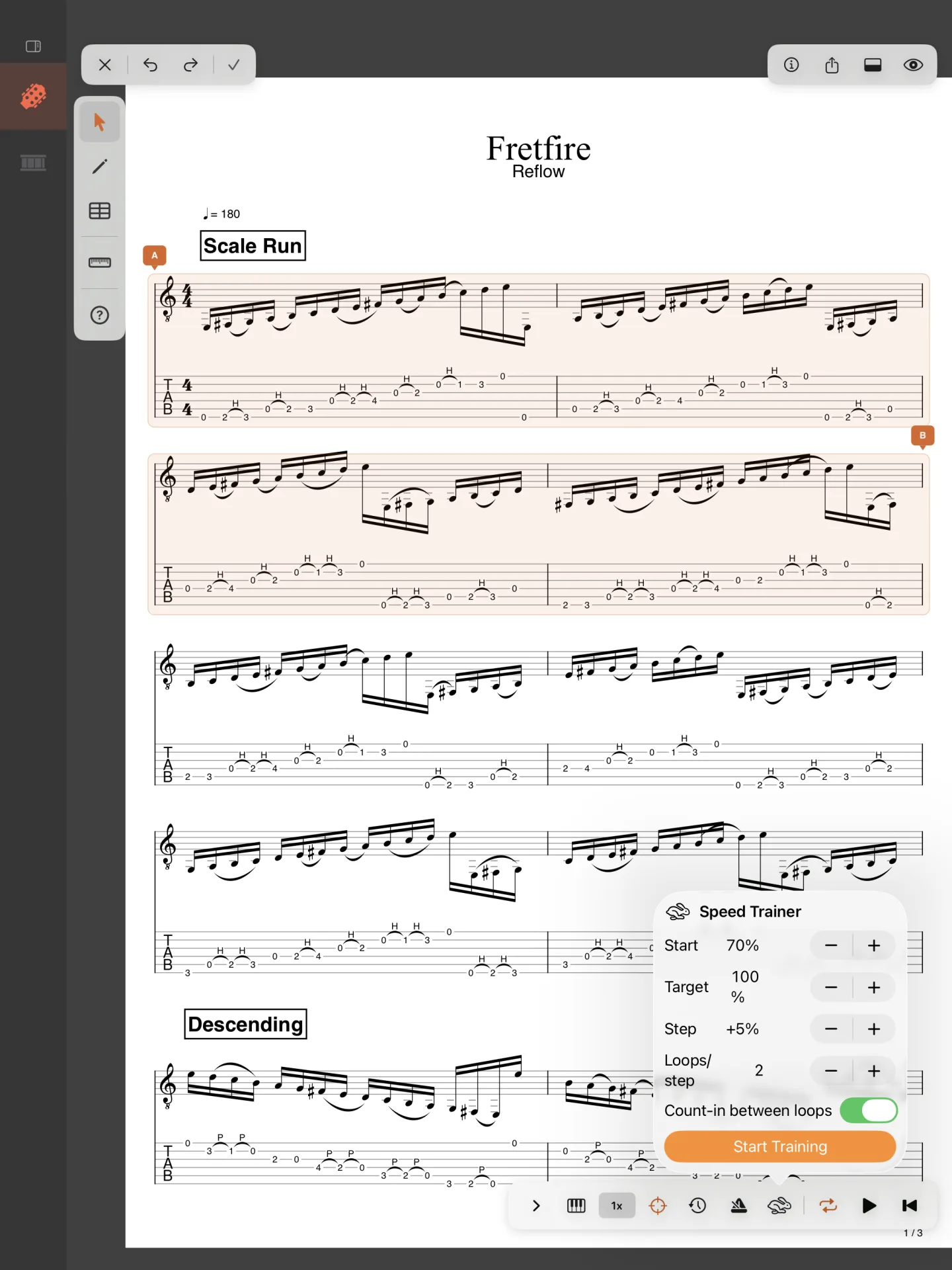
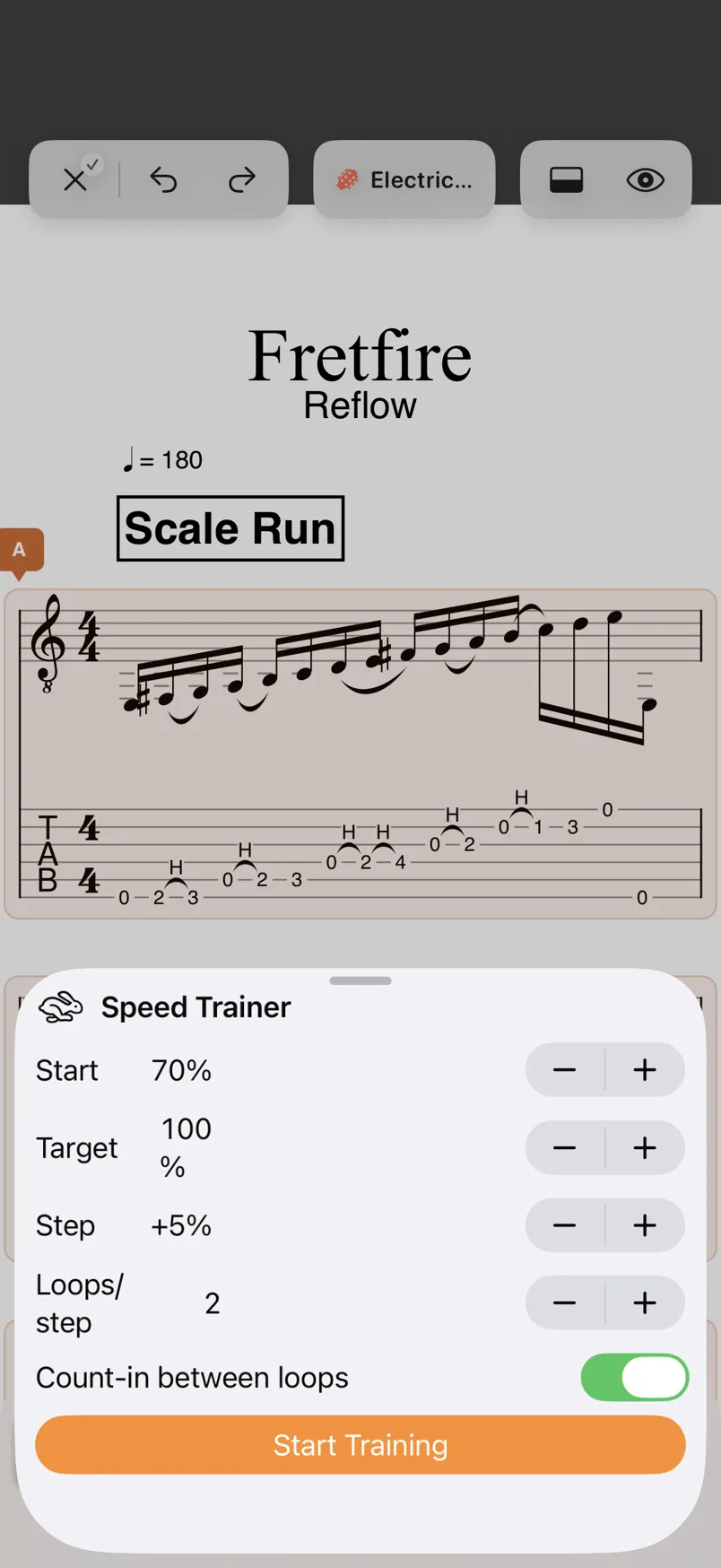
- Set the ramp (below), then tapclick Start Training. Playback starts, if it wasn’t playing.


- Start: the speed it begins at, a percentage of the score’s tempo (10 % to 200 %).
- Target: the speed it works up to; it must be higher than Start.
- Step: how much faster each step is, from 1 % to 50 %.
- Loops/step: how many times it plays the loop at each speed, from 1 to 10.
- Count-in between loops: a bar of metronome before each time round.
While it trains
While it plays, a chip above the playback bar shows the speed in orange and the step it is on (70% · Step 1 / 7), a dot for each step; it goes when playback stops, and steps aside while the trainer’s panel is open. The panel shows the speed too, a bar of progress and the loop it is on (Loop 3 / 14), and the hare in the playback bar is orange. When it reaches the target, the speed turns green with Target reached!, on the chip and in the panel, and it goes on looping at that speed. Stop Training ends the training and stops playback.