Bends and whammy
Bend a note up a quarter tone to three tones, release it, pre-bend it, and write whammy bar dips.
Available on iPad, iPhone and Mac.


On this page
A bend raises a note’s pitch by pushing the string, by a quarter tone (¼), a half tone (½), a whole tone (Full) or more, up to three tones. The score draws it as a curved arrow rising from the note, and Reflow plays it as written.
Bends
The bends are in the Note tools, in Edit:
- Put the cursor on the note, or select the notes to bend.
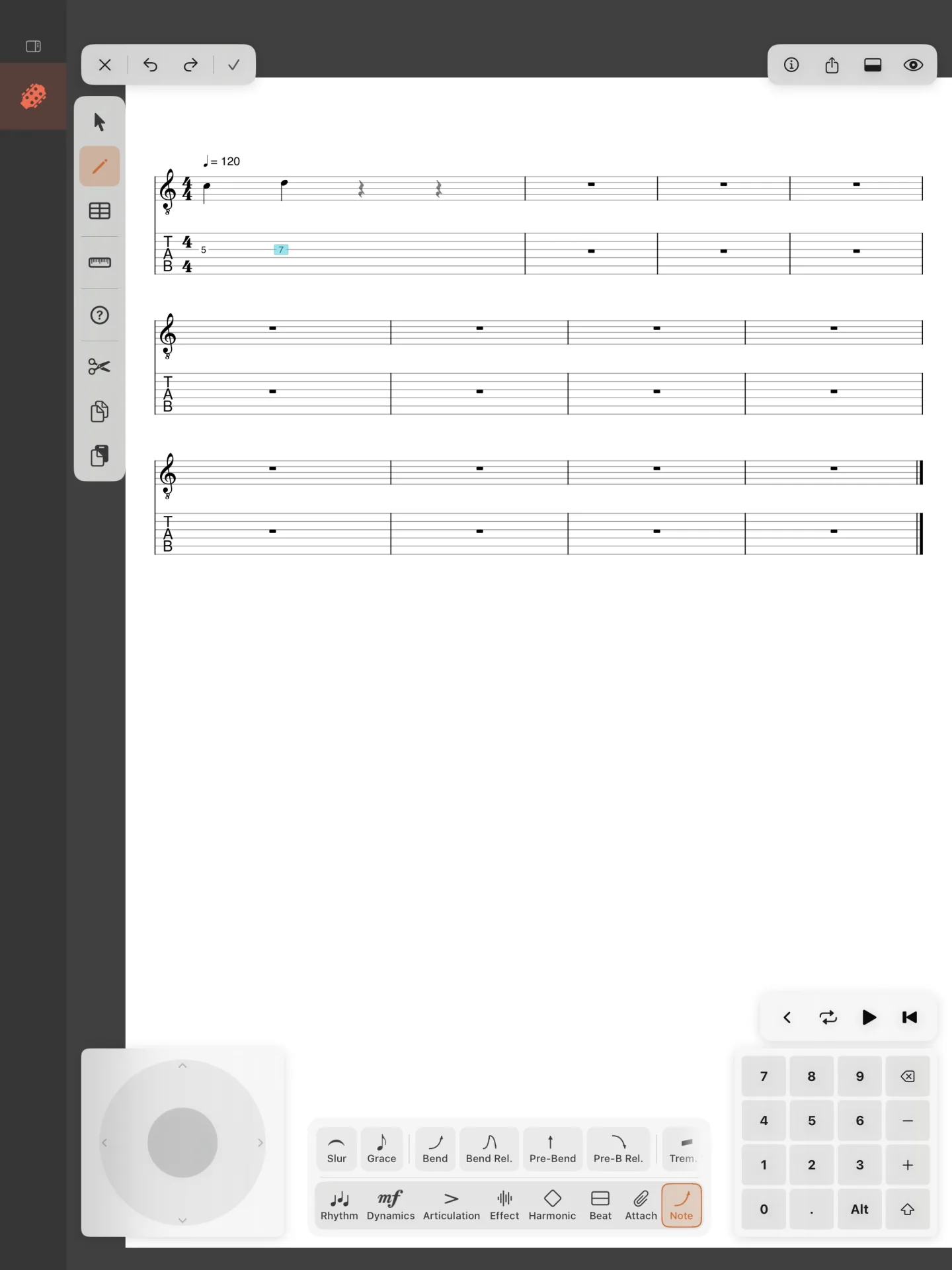
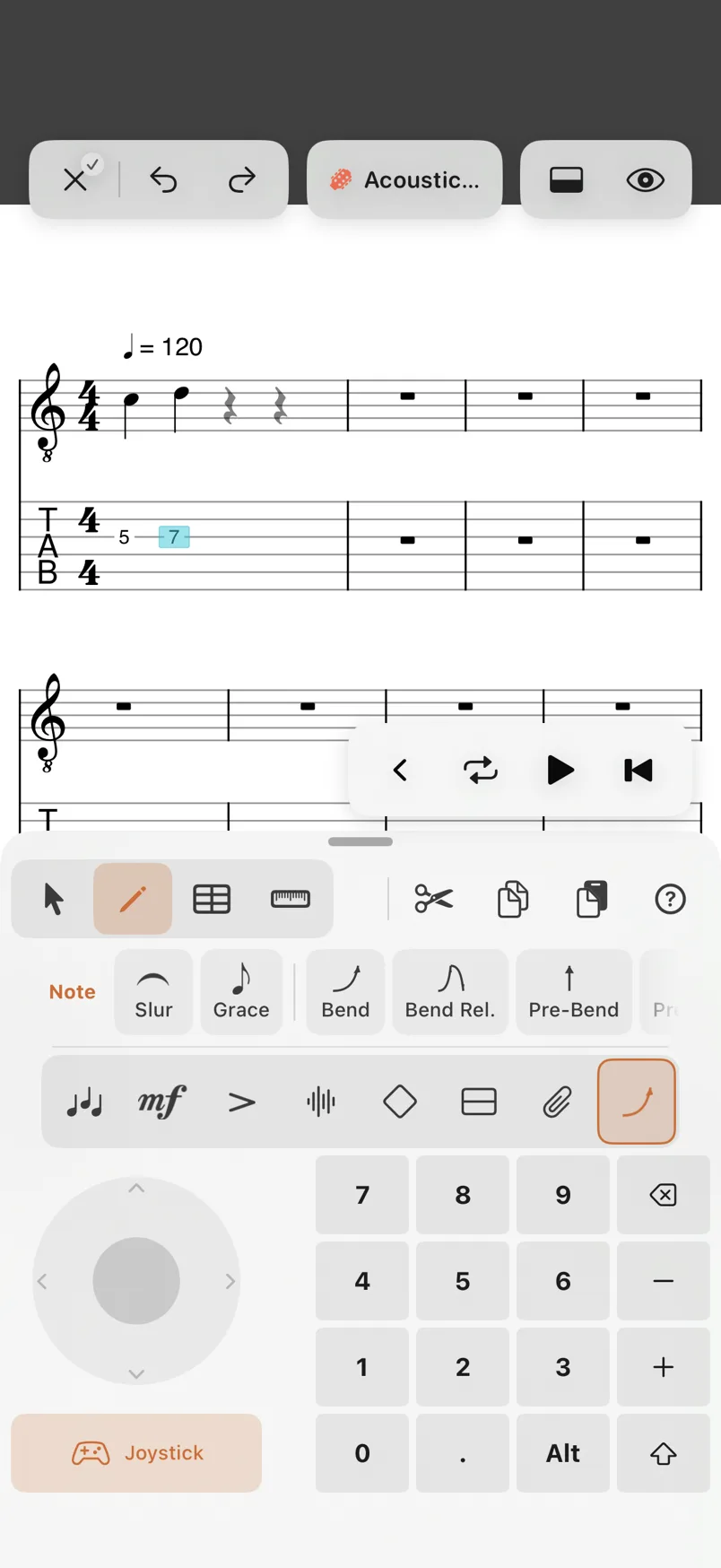
- Open Note among the tools’ categories.
- Choose the bend, one of the four below.


- Bend: up to the pitch, and held there.
- Bend Rel.: up, then released back down.
- Pre-Bend: the string bent before it is played, the note heard already up.
- Pre-B Rel.: bent before it is played, then released.
Each button bends a full tone. To bend by another amount, change it afterwards (below). A note has one bend: choosing another replaces it.
How far a bend goes


With the cursor on a bent note, or the bent notes selected, the capsule at the top right of the score reads Bend. TapClick it and the bend’s options open: the four types, the Pitch with its stepper and ¼, ½ and Full, and Edit, which opens the Bend dialog. On the Mac, Effect › Bend B opens the dialog for the selected notes too.
The Bend dialog draws the bend as you change it:
- Type: Bend, Bend and Release, Prebend, Prebend and Release.
- Pitch: how far the string is bent, by quarter tones, from ¼ to 3 tones.
- Release: for the two with a release, where the note comes back to: 0 is the pitch it started at.
- Common: ¼, ½, Full, 1½ and 2, in one tap.
Apply writes it, Clear takes the bend away, Cancel leaves it as it was.
The whammy bar
The whammy bar dips the pitch of the notes it spans, all strings together, and the score marks them with w/bar. It is in the Effect tools: select the beats it spans, then choose Whammy. It dips a semitone; to change how far, select the w/bar line with the Select tool, and set its Pitch in its options, from 6 semitones down to 6 up, by quarter tones. Delete in the same options takes it away.